Project Management · August 18, 2026 · 9 min read
Managing Multiple Construction Projects Without Losing Track
Juggling several jobs is where most contractors hit a wall. A practical system for managing multiple construction projects without dropping items or deadlines.
Written by Luke Johns · August 18, 2026 · 9 min read
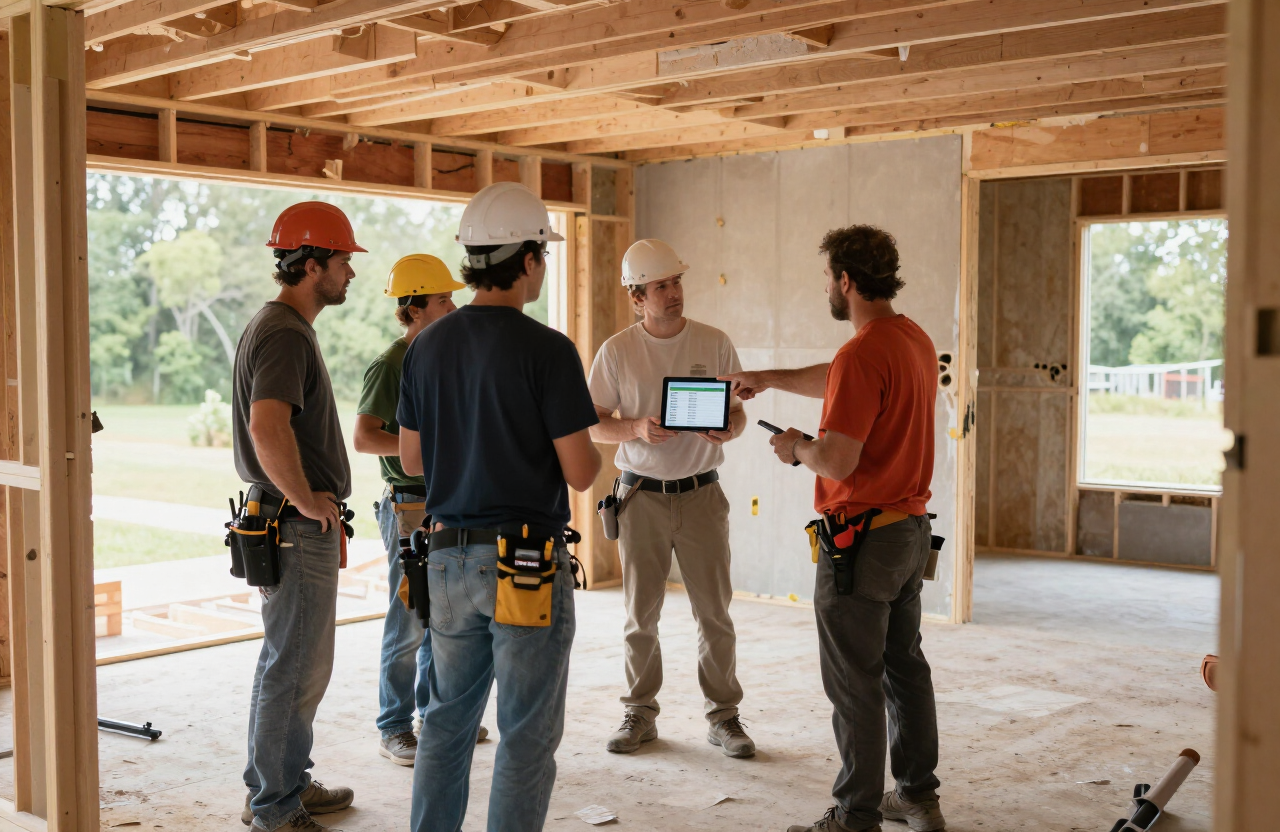
Running one project is a discipline. Running three or four at once is a different skill entirely, and it is where most growing contractors hit a wall. The punch list you can hold in your head for a single job becomes impossible to track across multiple sites, multiple subs, and multiple closeout deadlines. The contractors who scale successfully do it by replacing memory with a system. Here is how to manage multiple construction projects without losing track.
The problem with holding it all in your head
At one project, you walk the site every day and the punch list lives in your short-term memory. That works — until you add a second job, a third, and a fourth. Now the question "what is still open at the Johnson remodel?" requires a phone call or a drive across town. Memory fails, items get dropped, and the closeout on job one slips while you are putting out a fire on job three. Scaling requires getting the list out of your head and into a single place you can check from anywhere.
1. Keep every project in one dashboard
The foundation of multi-project management is a single view that shows every job and its status at a glance. You should be able to open your phone and see, in seconds, how many items are open on each project, how many are dispatched, and how many are complete — without calling anyone or driving anywhere. A per-project dashboard with live counters is what replaces the mental load of tracking each job separately.
2. Isolate each project’s data
A common mistake is dumping every project’s items into one shared list. That creates a wall of items no one can act on. Each project needs its own isolated workspace — its own items, its own subs, its own rooms — so you can focus on one job at a time without the noise of the others. The dashboard rolls them up; the workspace keeps them clean.
3. Use a subcontractor directory across jobs
When you run multiple projects, the same subs show up on several of them. A shared subcontractor directory — name, trade, email, phone — lets you assign an item to a sub on any project without re-entering their contact info every time. It also lets you see, across all your jobs, which subs are reliable and which are consistently late.
4. Set due dates and let overdue items surface themselves
With multiple jobs, you cannot rely on remembering which items are running late. Due dates on every time-sensitive item, with overdue items flagged in red and due-soon items flagged in orange, means the schedule tells you what needs attention instead of you having to ask. The dashboard should make late items impossible to miss across every project at once.
5. Dispatch from the dashboard, not the truck
When you are managing multiple sites, you are rarely at any one of them. Dispatching assigned items to subs by email and text directly from the dashboard — without being on site — is what keeps work moving while you are elsewhere. The sub gets their list with photos and locations the moment you assign it, whether you are at job one or job four.
6. Standardize your process across every job
The biggest leverage in multi-project management is a single, repeatable process applied to every job. The same walk order, the same item fields, the same priority levels, the same dispatch method, the same completion verification. When the process is identical across projects, you do not have to think about how to run each job — you just run it. Variation between jobs is where items get dropped.
7. Review the portfolio on a fixed cadence
Set a regular time — Monday morning, end of day Friday, whatever fits — to review the full portfolio in one pass. Which projects are on track, which are slipping, which subs owe you completions. A weekly portfolio review on a live dashboard takes fifteen minutes and replaces the constant context-switching that burns out contractors trying to track everything in real time.
8. Use room-by-room views on larger jobs
On a multi-unit or multi-room project, a flat list is not enough. Room-by-room views let you see exactly what is open in each space and walk efficiently when you are on site. Combined with the trade view for dispatching, this gives you two ways to work the same list depending on whether you are walking or dispatching.
Scaling is a systems problem
The contractors who scale from one job to several are not smarter or harder-working than the ones who stall — they have built a system that handles the tracking for them. One dashboard, isolated project workspaces, a shared sub directory, due dates that surface themselves, dispatch from anywhere, and a single standardized process. QuickPunch was designed for exactly this: a per-project dashboard with live counters, room and trade grouping, a subcontractor directory, and dispatch by email and text from any device. It is how you manage punch lists across your jobs without losing track of any of them. For the habits that scale, read our punch list best practices and the construction project closeout guide.
Run your next punch list in QuickPunch — create your free account →
Written by
Luke Johns spent a decade on job sites running punch lists, coordinating subcontractors, and closing out projects before building QuickPunch. Punch lists, subcontractor coordination, quality control, and project closeout across residential remodeling, production home building, and commercial multifamily construction. More about Luke Johns →
Related articles
- Punch List Best Practices — 10 habits of contractors who close out fast.
- Construction Project Closeout Guide — From punch list to final sign-off.
- Punch List App for Small Contractors — Simple, affordable punch list software for small crews — start free, then $9–$39/month with no per-seat fees.
- Construction Punch List Guide — Step-by-step walkthrough from site walk to verified close-out.